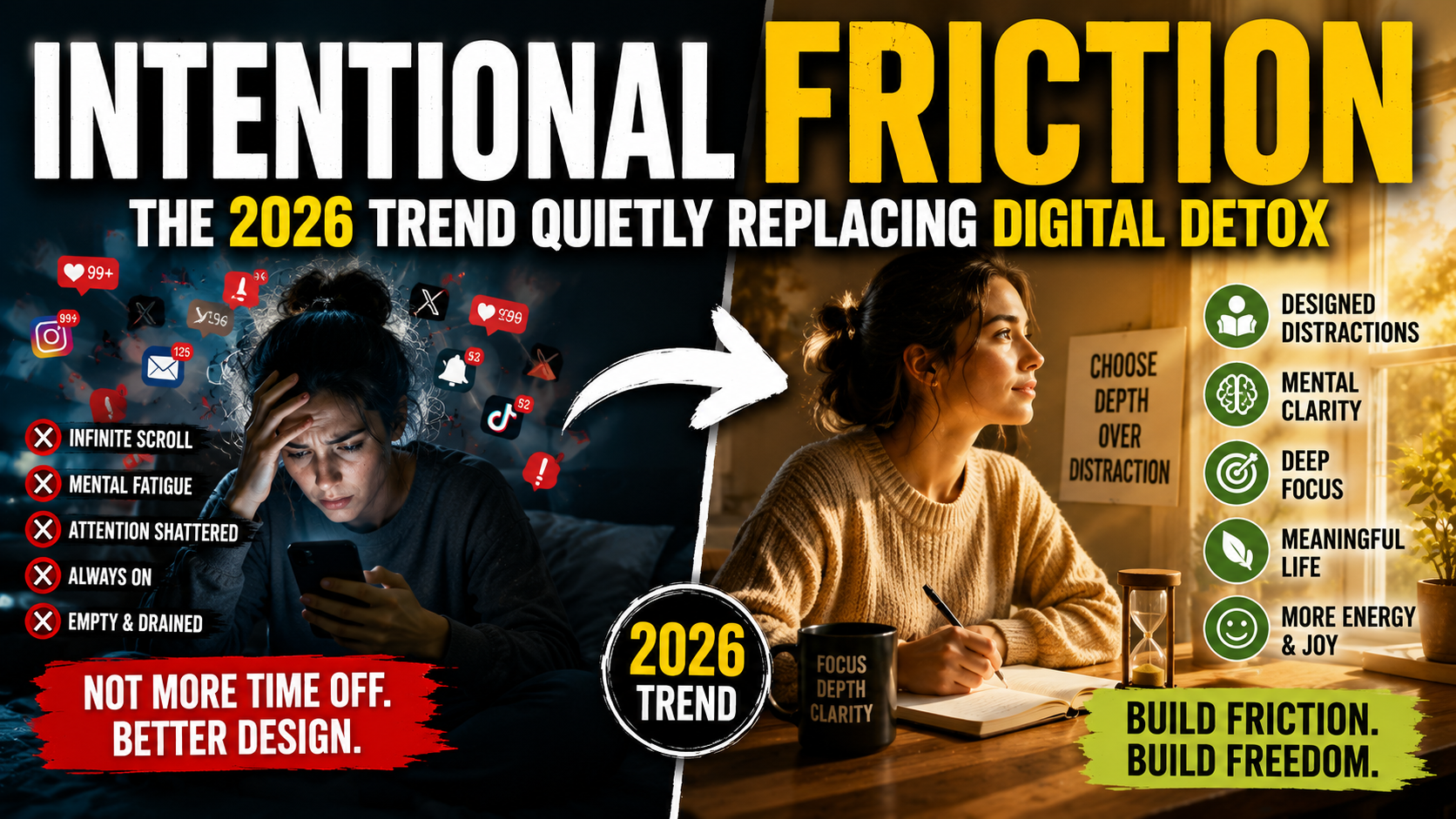
Intentional Friction: The Trend Quietly Replacing Digital Detoxes
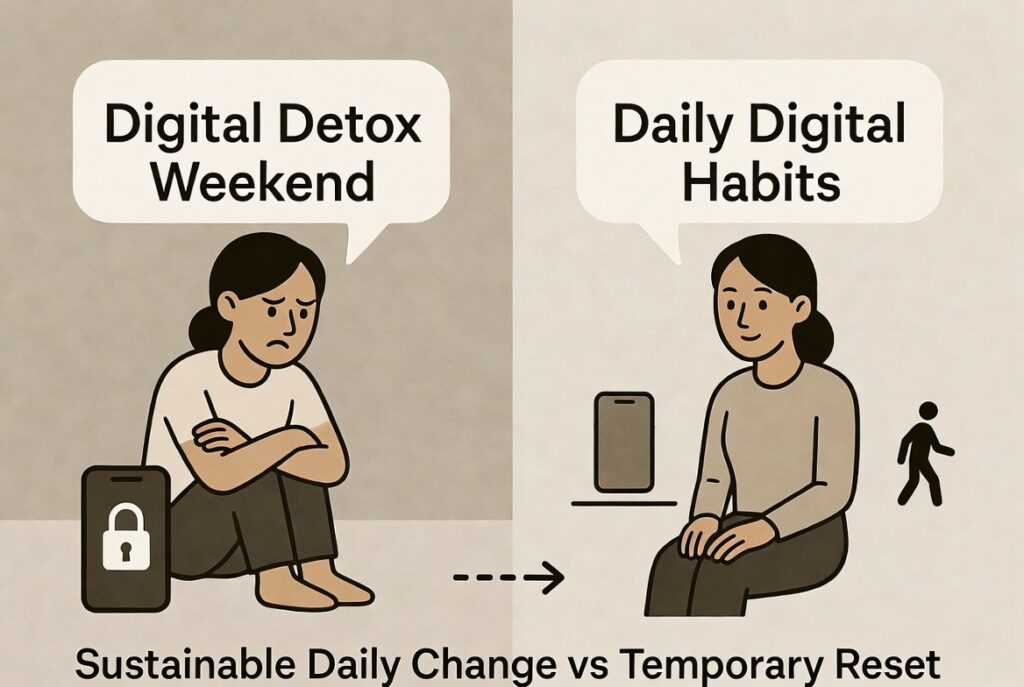
For years, the go-to solution for smartphone overuse was the dramatic digital detox — a weekend offline, a full digital sabbath, or 48 hours unplugged. These resets often delivered short-term relief, but habits quickly returned once devices re-entered frictionless daily life.
In 2026, a more effective approach is gaining traction: intentional friction (also called friction-maxxing). Instead of temporarily removing access, you deliberately add small, sustainable barriers to make mindless use slightly harder — all the time. This shifts usage from automatic reflex to conscious choice, proving far more effective for long-term change.
What Is Intentional Friction?
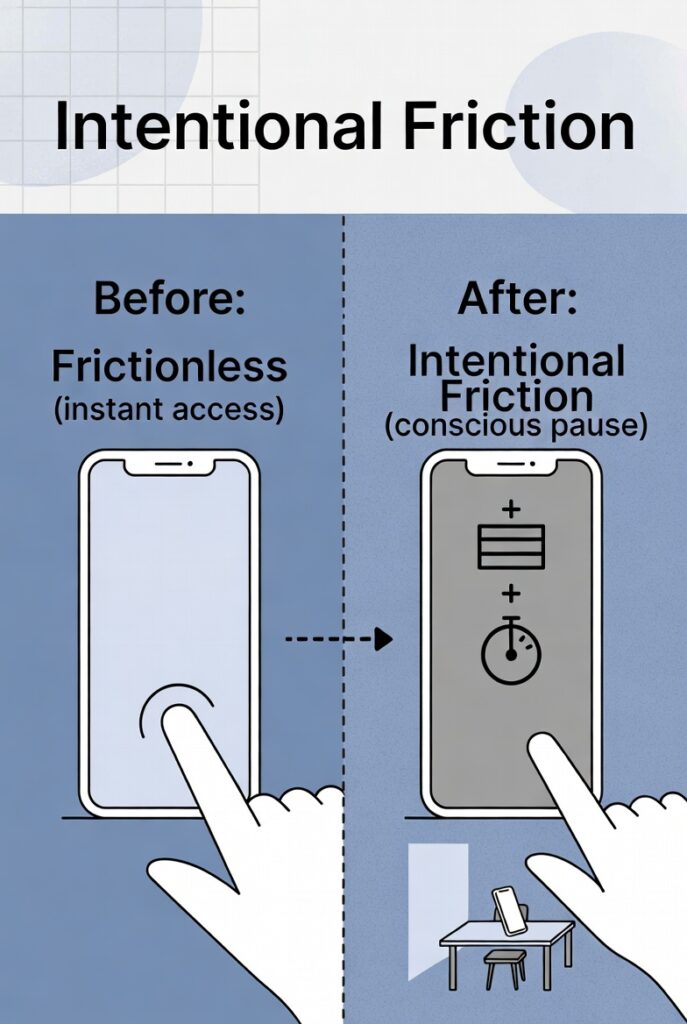
Modern apps and devices are designed with zero friction: one-tap access, autoplay, infinite scroll, and push notifications engineered for maximum engagement. Intentional friction reverses this by reintroducing micro-barriers — extra taps, delays, or reduced appeal — that interrupt autopilot behavior without eliminating technology.
The goal isn’t anti-tech rebellion. It’s creating a brief pause so your brain can ask: “Do I actually want to do this right now?” This leverages behavioral science: small environmental changes often outperform willpower or temporary restrictions.
Why Intentional Friction Outperforms Digital Detoxes
A digital detox treats the problem as duration — too much time on devices — and solves it by removing access entirely for a set period. But behavior built during a detox rarely survives contact with normal life, because the environment that created the habit (a frictionless phone, unlimited notifications, an always-available feed) hasn’t actually changed. Once the detox ends, the same zero-effort environment is right there waiting.
Intentional friction targets the actual mechanism of the habit — the ease of access — rather than just the time spent. Small, permanent barriers change your relationship with the device every day, not just during a designated break, which is part of why the habit shift tends to stick longer.
7 Proven Ways to Add Intentional Friction in 2026
Start with just 1–2 that feel easiest — the power is in sustainable, daily micro-changes rather than perfection.
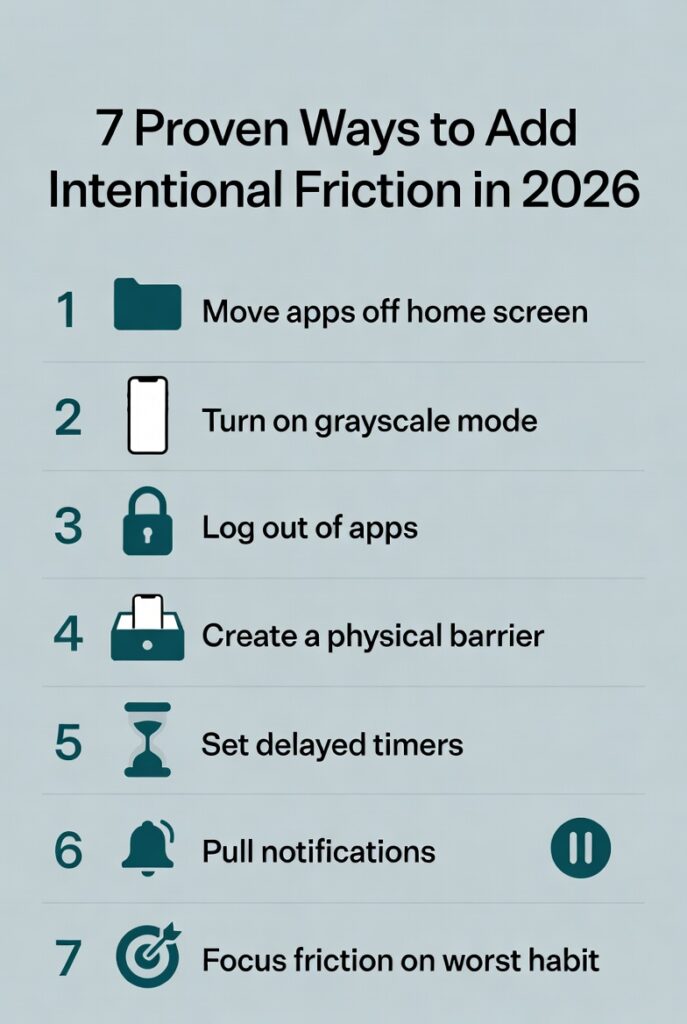
1. Move Distracting Apps Off Your Home Screen:
Bury social media, news, shopping, and entertainment apps in a folder on page 2 or 3 (or hide them in the app drawer).
Why it works: The extra 2–3 taps break autopilot. One 2025 University of Pennsylvania study found this simple redesign alone cut impulse app opens by up to 60%.
Pro tip: Use a minimalist launcher (like Niagara or Olauncher) with a clean, text-only home screen. Keep only tools (calendar, notes, camera) on the first page.
2. Switch to Grayscale Mode:
Remove all color from your display so vibrant icons, thumbnails, and red notification badges lose their pull.
Why it works: Color is a dopamine trigger. Studies show grayscale users reduce daily screen time by 15–37% in the first weeks, with especially strong effects on Instagram, TikTok, and YouTube.
Many report the phone simply feels “boring” and easier to put down.
How to enable:
iPhone: Settings → Accessibility → Display & Text Size → Color Filters → Grayscale (add to Control Center for quick toggle).
Android: Settings → Digital Wellbeing → Bedtime mode (schedule it) or Accessibility → Color correction.
Pro tip: Schedule grayscale for evenings or work hours so it doesn’t interfere with photos or maps.
3. Log Out of Apps After Each Use:
Force yourself to enter a password or use two-factor each time you open social apps, email, or news platforms.
Why it works: Turns a one-tap reflex into a 10–20 second decision point. That brief pause is often enough for the urge to fade.
Upgrade: Use biometric restrictions selectively — keep Face ID for banking but require a strong alphanumeric password for time-sink apps.
4. Create Physical Barriers for Your Phone:
Charge your phone in another room overnight, keep it in a drawer during deep work, or use a lockbox during meals/family time.
Why it works: Adding physical distance creates natural friction. Users who charge outside the bedroom report significantly better sleep and fewer reflexive morning/evening checks.
Bonus: Try a “phone hotel” (a dedicated basket or shelf by the door) when you get home.
5. Use Delayed App Timers or “Speed Bumps”:
Instead of hard blocks (which are easy to override), add a short 10–60 second delay before distracting apps open. Tools like One Sec, ScreenZen, or InteractOut make this seamless.
Why it works: Research shows gentle delays outperform strict lockouts — 62% of users prefer them and stick with them longer, often closing the app during the pause.
Recommendation: Set delays on your top 3 problem apps only. The friction is targeted and sustainable.
6. Switch to Pull Notifications:
Turn off all non-essential push notifications. Check email, messages, and social apps only when you deliberately open them.
Why it works: You reclaim agency — the apps no longer reach for you. Fewer interruptions lead to calmer focus and reduced anxiety.
Pro setup: Allow calls and messages only from favorites. Use scheduled summary notifications (iOS Focus / Android Digital Wellbeing) for everything else.
7. Target Your Biggest Habit with Concentrated Friction:
Identify your single biggest time-sink (usually one app) and add the strongest barrier there: delete the app and access only via browser, use the greyscale + delay combo, or set the longest timer.
Why it works: Light friction everywhere is nice, but heavy friction on your #1 culprit delivers outsized results. Many users cut 30–50% of total screen time by focusing here.
What Intentional Friction Is NOT
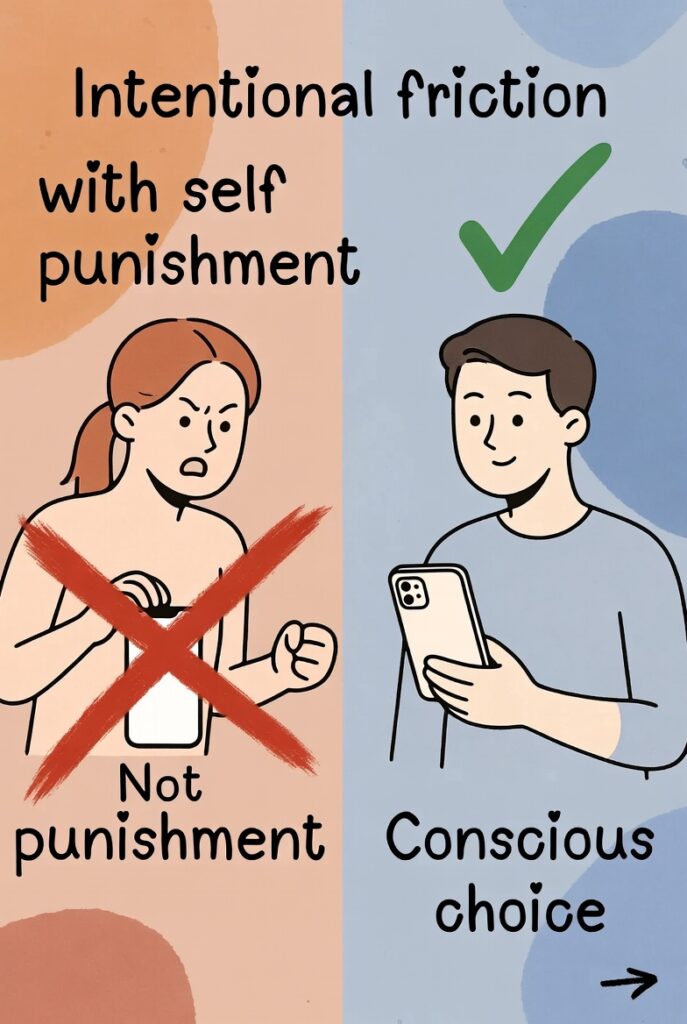
It isn’t about punishing yourself for using technology, and it isn’t a purity test — using your phone isn’t the failure state. The goal is simply making sure your usage is a series of small, conscious choices rather than an automatic reflex you never actually decided to have. Some days you’ll add the friction and open the app anyway, deliberately — and that’s a completely different experience than opening it because your thumb moved before your brain caught up.
Real-World Results and Supporting Evidence
Early adopters and studies on friction-based phone redesigns show meaningful drops in screen time, improved focus, better sleep, and reduced stress. One approach combining multiple tactics achieved a 43% screen time reduction in 30 days. Grayscale and delay tools consistently demonstrate 15–37% reductions, with high user satisfaction versus restrictive methods.
Start Small for Maximum Sustainability
Begin with 1–2 changes: grayscale + moving one app. The philosophy is sustainable micro-adjustments, not overhaul. Pair with occasional detoxes for resets if desired — friction becomes the daily maintenance.
The Bottom Line
Digital detoxes work as a reset, but resets fade once the environment that created the habit is still exactly as frictionless as before. Intentional friction changes that environment permanently, in small ways, which is exactly why it’s outlasting the detox trend rather than just replacing it with a new version of the same idea. Start with one or two changes — grayscale, moving an app off your home screen — rather than overhauling everything at once, since the small, sustainable version is the whole point.
If you’ve tried detoxing before and found it didn’t stick, our guide to digital detox benefits pairs well with this approach as a starting point, with intentional friction as the longer-term follow-through. And if the compulsive reach for your phone tends to show up alongside a racing, anxious mind, these strategies for overthinking address the other half of that pattern.
FAQ (Schema-Friendly)
Is intentional friction the same as a digital detox?
No, a digital detox removes access temporarily for a set period, while intentional friction makes access permanently slightly harder, so the change persists in daily life rather than ending when the detox period is over.
Does it actually reduce screen time?
Early adopters and wellness experts report meaningful reductions, largely because it removes the “automatic” nature of phone use — the extra steps create a moment of choice that a frictionless phone doesn’t allow for.
Easiest way to start?
Grayscale mode and moving your most-used distracting app off your home screen are the two lowest-effort changes with the most noticeable impact for most people.
A Note on Tracking Your Own Patterns
Some readers find it useful to keep a simple log of what dysregulates them and what actually helps — over time, patterns emerge that generic advice can’t capture. If you’d like a private space to track this (a journal, a habit log, or even a personal wellness blog), setting one up is simpler than it sounds. We use Hostinger for hosting sites like this one — it’s affordable, quick to set up, and a solid starting point if you ever want a dedicated space of your own. This post contains an affiliate link. If you purchase through it, we may earn a small commission at no extra cost to you.